URGENT Wire transfer before 3 PM
Please wire $240,000 to the attached account before 3:00 PM today.
I'm boarding and won't have service. Confirm when done.
Michael Bennett
Chief Executive Officer
Bennett & Cole Holdings
When something feels off, AI AWARE checks for scam and impersonation signals, explains what triggered the alert, and recommends what to do next. No drama. No agenda. Just clarity.
It doesn't tell you what to believe it shows what to verify.
Decision-support only. Verify independently.
New: AI-powered ads are here
AI systems are starting to show you personalized ads based on your conversations, your habits, and your data. That can be usefulbut it also opens the door for deepfake offers, fake investment tips, romance scams, and AI-generated pressure tactics.
AI AWARE sits between you and the AI, watching how messages are written and what they are asking you to do. If something looks manipulative, risky, or like a scam, AI AWARE warns you in when you askbefore you click, pay, or share anything.
Interactive Threat Brief
Hover or tap the email to see what AI AWARE sees and why it's dangerous.
URGENT Wire transfer before 3 PM
Please wire $240,000 to the attached account before 3:00 PM today.
I'm boarding and won't have service. Confirm when done.
Michael Bennett
Chief Executive Officer
Bennett & Cole Holdings
What AI AWARE Sees
Verdict: Do NOT proceed. Verify via known phone number.
Every alert below is based on real AI-generated threats AI AWARE is designed to detect.
AI AWARE detected a voice clone impersonating a family member—and flagged the risk before panic set in.
This AI persona was building trust before asking for money. AI AWARE flagged the risk—giving you a chance to pause and verify.
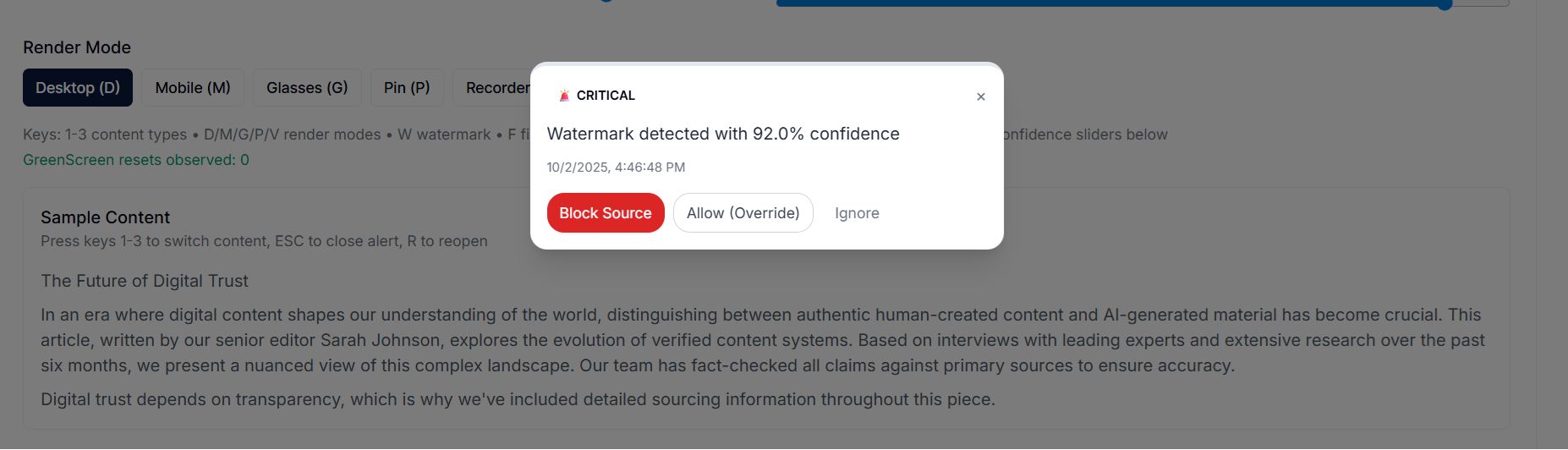
AI AWARE flagged this CEO impersonation attempt—giving you a chance to verify before any money was sent.
AI AWARE can analyze both static screens and moving video — detecting motion patterns on-device to help identify potentially manipulated or AI-generated content.
You're scrolling short-form video and a clip makes urgent financial claims.
You tap Scan Screen.
AI AWARE detects active video motion and analyzes on-screen patterns in real time.
A warning appears before you engage — giving you a moment to pause and think.
A social post looks convincing, but something feels off.
You use Quick Scan on what's already on your screen.
AI AWARE analyzes visible text and screen context without uploading anything.
You get an awareness alert before reacting or sharing.
You receive a message asking you to act quickly or share information.
You scan the screen instead of trusting the message.
AI AWARE analyzes the content you're seeing — not the sender.
You're alerted before making a rushed decision.
You pause a video or view a static image that raises concern.
You tap Scan Screen.
AI AWARE recognizes the screen is static and analyzes it accordingly.
No motion detected — no unnecessary video analysis applied.
Decision-support only. No system is perfect. Always verify independently.
AI AWARE helps you verify suspicious messages, links, and screenshots so AI doesn't decide for you.
AI AWARE trademark registered in U.S. Patent & Trademark Office. Patent Pending. Filed in the U.S., with international extensions in process.
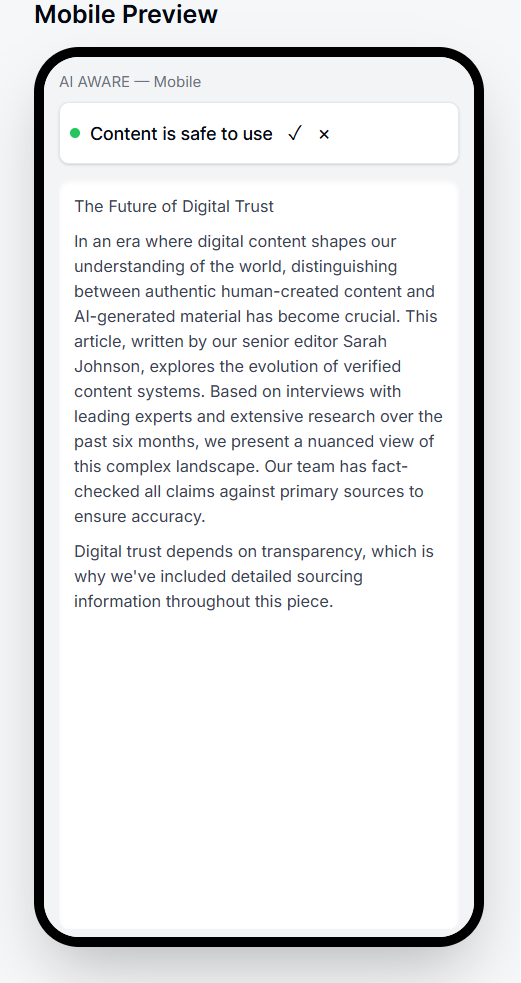
Verify with AI AWARE that works across all your devices.
AI AWARE analyzes suspicious content when you ask it to, flagging potential deepfakes, voice clones, and AI-generated scams.
Get clear warnings so you can decide before you click, call back, or send money to potential threats.
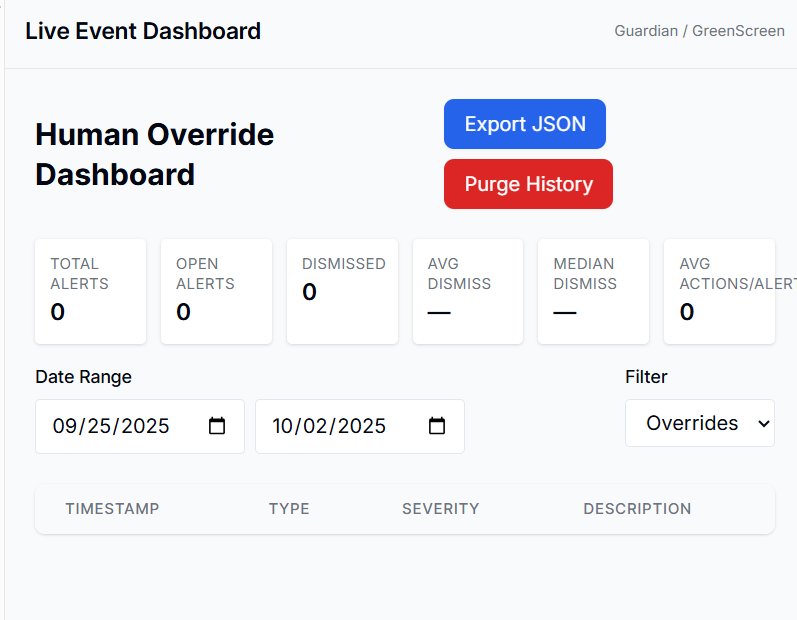
Human Override gives you control: Allow, Quarantine, or Block Source — every decision is yours.
Click a scenario below to see how AI AWARE responds
Review with AI AWARE and choose: Allow, Quarantine, or Block Source.
AI AWARE is meant to sit quietly with you while you use your devices—gently surfacing warnings when something doesn't look trustworthy. It doesn't read everything. It doesn't watch everything. It just stays ready, so you can catch what you might otherwise miss.
AI AWARE lives in your browser — a lightweight extension that works quietly in the background. When you read a suspicious email in Gmail or Outlook online, scroll past a strange post, or land on a questionable link, the extension can pop up an inline alert.
You don't have to do anything special. If the content looks risky, AI AWARE will show a Trust Meter right on the page and let you Allow, Quarantine, or Block Source with one click.
Note: The browser extension does not monitor non-browser apps (e.g., Outlook desktop) yet. Email protection only works when you're reading email in a browser tab.
On Android, AI AWARE can display a small overlay when you receive a text, see a suspicious message, or open a risky link. That overlay shows what was flagged and gives you the same one-tap actions: Allow, Quarantine, or Block Source.
To do this safely, the app needs certain permissions. We don't read your messages, but we do scan for signals of manipulation when content is shared or surfaced — just enough to warn you.
Note: Android protection is still in development. Overlay scanning depends on enabled permissions and may not work in all situations.
Apple doesn't allow apps to show overlays or scan content in the background. So on iOS, AI AWARE works a little differently: you copy, paste, or screenshot the content you're worried about, and share it to the AI AWARE app.
From there, the Trust Meter analyzes what you shared and gives you a clear rating plus recommended actions.
This means iOS protection is on-demand, not automatic. But it still gives you the same clarity when you need it—especially for sketchy texts, DMs, or emails you're unsure about.
Note: iOS does not support automatic overlays. All scanning is initiated by you through the share sheet or in-app paste.
Clear answers about how AI AWARE works on your devices.
No. Right now AI AWARE focuses on protecting you inside your browser, where most risky links and fake pages appear. It works while you're using webmail (like Outlook on the web or Gmail), social media, banking, and other websites.
A small trust indicator appears on the page and changes when something looks risky. You click it to see what's wrong and what to do next, before you click or pay.
Support for desktop apps like Outlook (the blue icon) and other native programs is planned as a future integration via add-ins, but is not part of this first version.
Android and iOS have very different rules for what apps are allowed to do.
The goal is the same on both platforms: a calm second opinion before you click, pay, or trust. The path is slightly different because of how each operating system handles privacy and permissions.
AI AWARE is designed to stay lightweight and quiet.
It doesn't try to scan your entire device or run heavy background tasks across everything. The goal is to help you stay safer without making your devices feel slower or more complicated.
No tool can promise that. AI AWARE is not a lie detector and not a 100% guarantee. It's a decision-support tool: it highlights patterns that often show up in scams and AI-driven manipulation, explains why something looks risky, and helps you slow down before you act.
You are always in control. AI AWARE is there to give you a calm second opinion, not to replace your judgment.
Your AI can sell to you. AI AWARE doesn't. It just protects you.
AI AWARE protects you without selling your data to advertisers or compromising your privacy for profit.
Our detection engine is built purely to identify threats, not to influence your behavior or choices.
Human Override means you decide what to allow, quarantine, or block — no algorithmic manipulation.
Flags deepfakes, voice clones, phishing emails & scam texts.
Phone, computer, and future-ready for glasses & smart devices.
You stay in control. Allow, quarantine, or block the source.
Recognizes hidden signals without revealing detection methods.
Catches suspicious payment requests and impersonation attempts.
Neutralizes confirmed threats and restores a safe session.
Annual prices shown are effective monthly rates (billed annually). Cancel anytime. Pricing and features subject to change.
Your data is used only to provide the service. We never sell personal data.
Bank-grade TLS for data in transit. Sensitive actions require re-auth.
Real support when you need help. Reach our team at (307) 284-4409 or support@aiawareapp.com.
AI AWARE exists to protect you, not to sell to you. We believe security tools should be straightforward, honest, and always on your side.
AI AWARE is built to support your decisions—not replace them. Every alert, every action—you're in control.
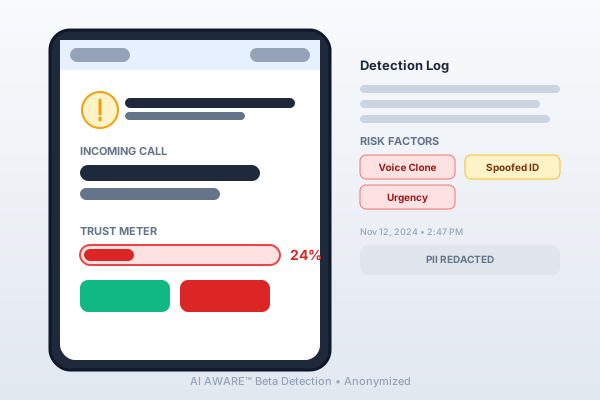
PII redacted. Beta user, Nov 2024
AI AWARE helps you spot threats, but always verify critical information independently. We're a tool in your corner—not a replacement for your own instincts.
Stay Human in the Age of AI
Join the waitlist to activate Edge Mode, ScrollSafe, GREENSCREEN, and Guardian alerts the moment we launch.